RUEN
Download

Launcher for Android TV and Google TV with IPTV

Fast.
Free.
No ads.
No analytics.

SolaTV is a home screen for your TV and set-top box. Your apps, new movies, voice search and TV from your own playlist — on one screen, large and uncluttered. It opens instantly, even on budget and older devices.

Free forever · Android 8.0 and newer · no root · back to the stock launcher in one click

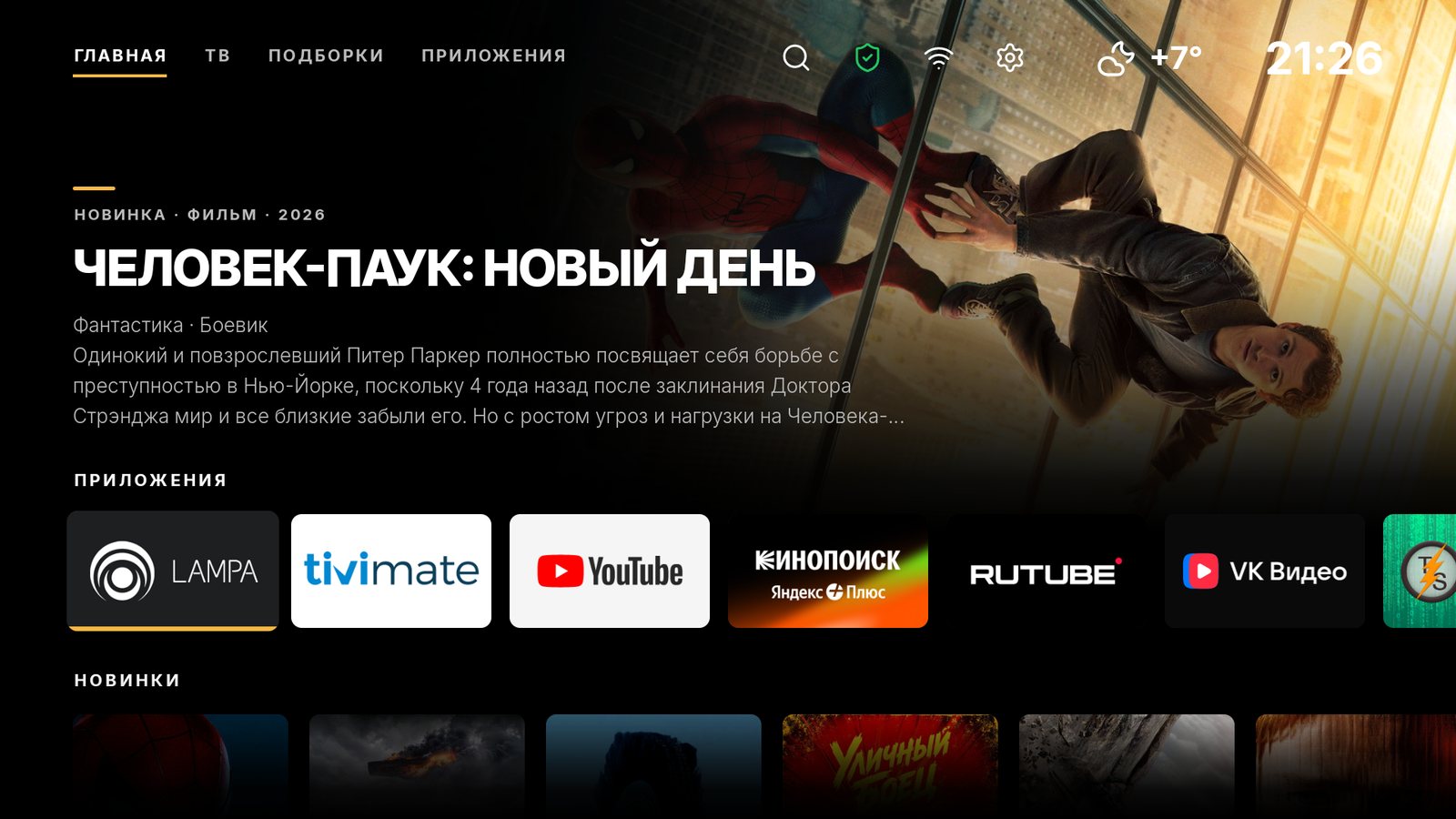
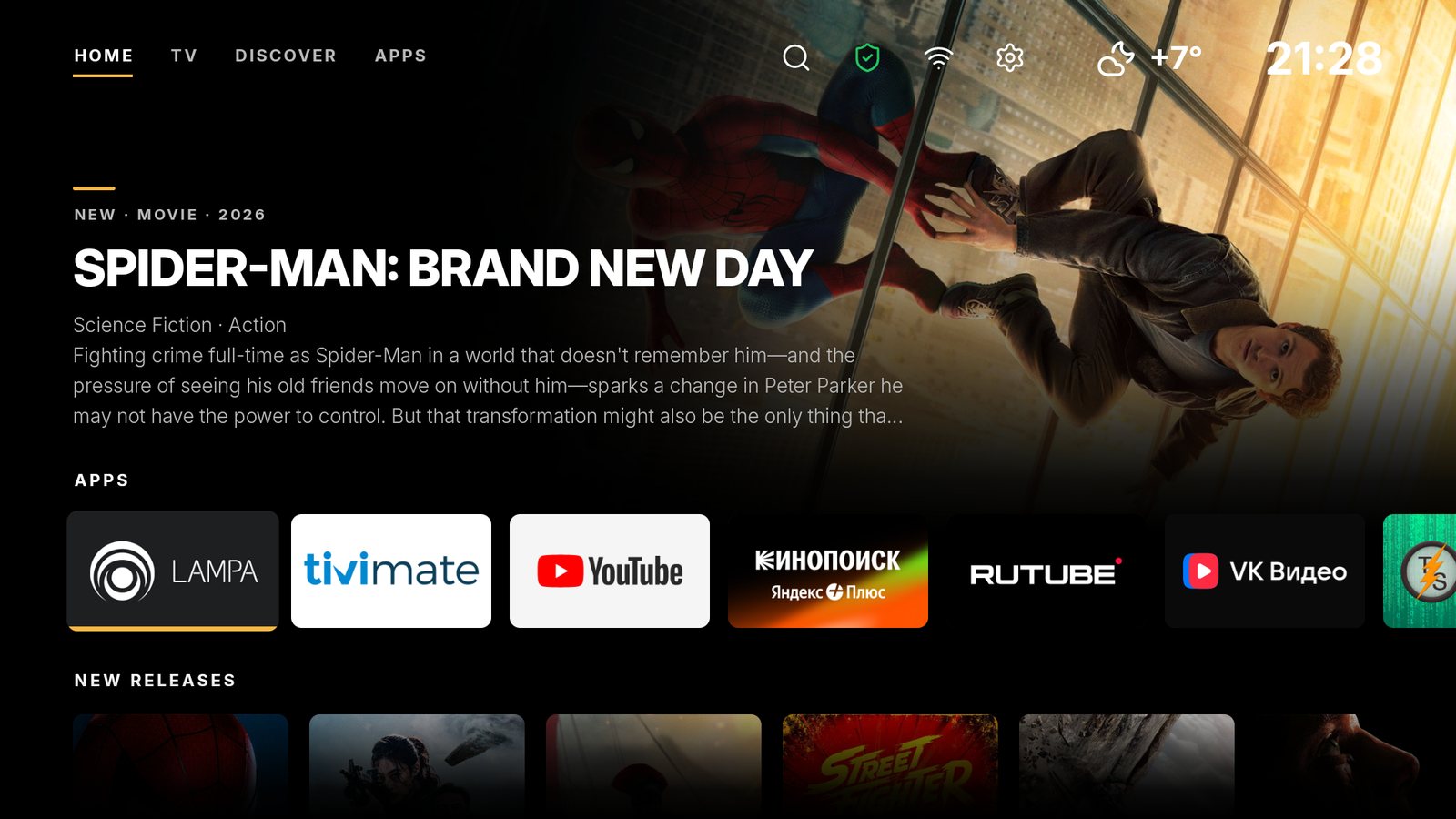
SolaTV home screen: a movie still with a description, a row of apps and new movies
Why SolaTV

Your TV is yours again

Stock launchers are slow, show ads and collect data about what you watch. SolaTV does one thing: it quickly opens what you need.

Fast

No animations or heavy effects. Images load only near the selected item, and SolaTV itself is about 4 MB. It runs on older boxes with Android 8 too.

Free

No subscriptions, paid tiers or “premium”. SolaTV is made as a good deed — for everyone with an Android TV.

No ads

No ad rows and nothing “recommended” by the manufacturer. The home screen has only your apps and what you chose yourself.

No analytics

No counters, trackers or “telemetry”. SolaTV connects only to where it gets its data from — the list is below.

Two in one

Launcher and IPTV in one app

A box usually runs two apps: a launcher for the home screen and a separate player for TV channels. SolaTV is one 4 MB app: TV opens from the “TV” tab on the home screen, and search finds both movies and programs.

Launcher

A home screen instead of the stock one

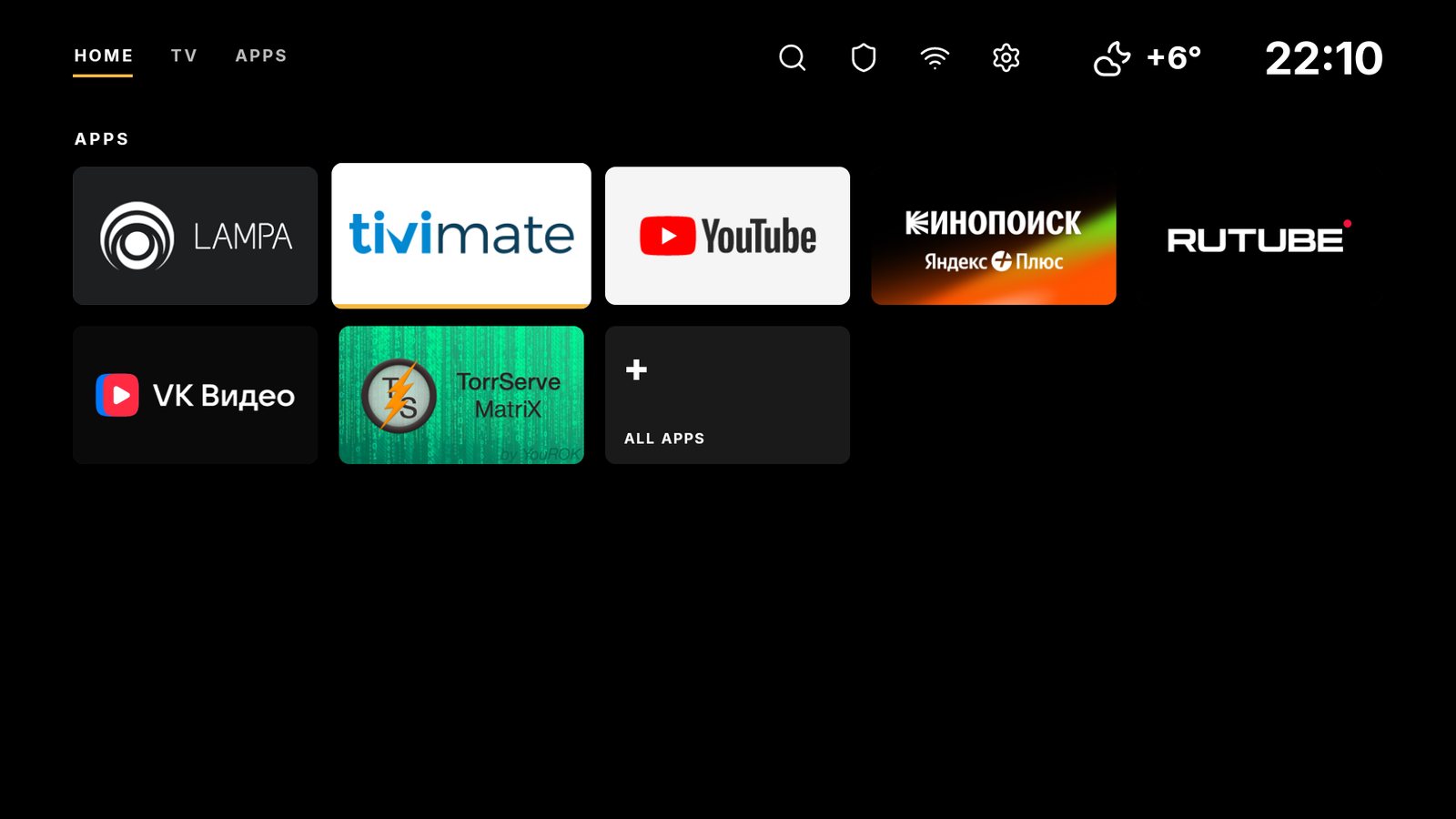
Your apps with native banners, new movies, weather and time. SolaTV becomes the default with the “Make default” button on Android TV and Google TV, without a computer or root.

IPTV

TV channels from your playlist

Channel groups, a TV guide, 7-day catch-up, pause and rewind. The TV can turn on straight to the last channel.

How SolaTV differs from Projectivy, ATV Launcher, Google TV and PatchWall: a table on ten criteria with scores.

Launcher comparison
Screens

Everything at hand

Large, dark and airy — readable from the couch at a glance. Screenshots taken on a Xiaomi Google TV box.

Home

Your apps and new movies

At the top — a movie still with a description; below — your apps with their own banners and rows: new releases, trending now, new series and cartoons. Like something — add it to favorites; what you open is remembered in “Recently opened”.

New releasesTrendingFavoritesHistory
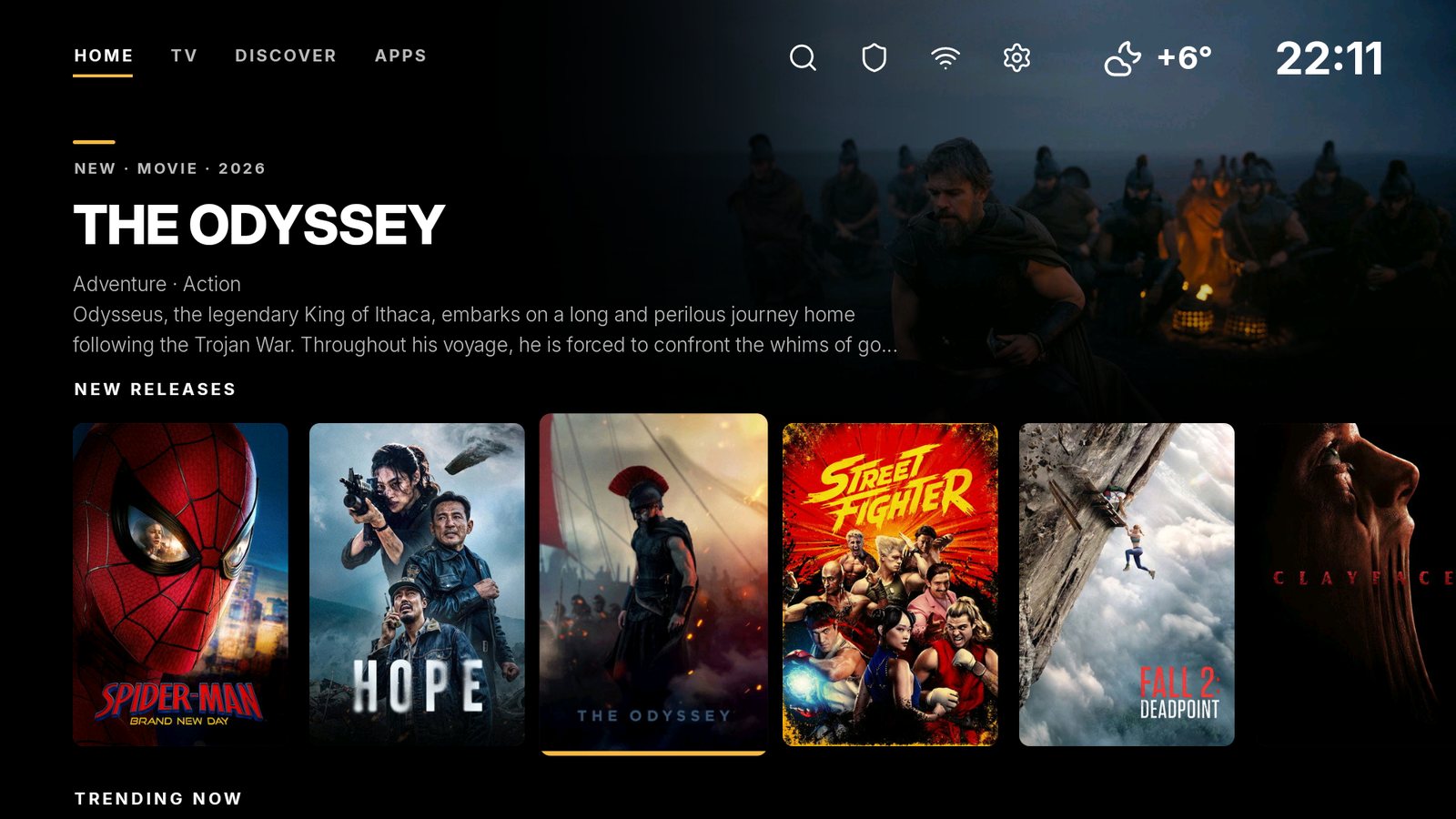
SolaTV home: a movie selected in the new releases row
Search

Just say it

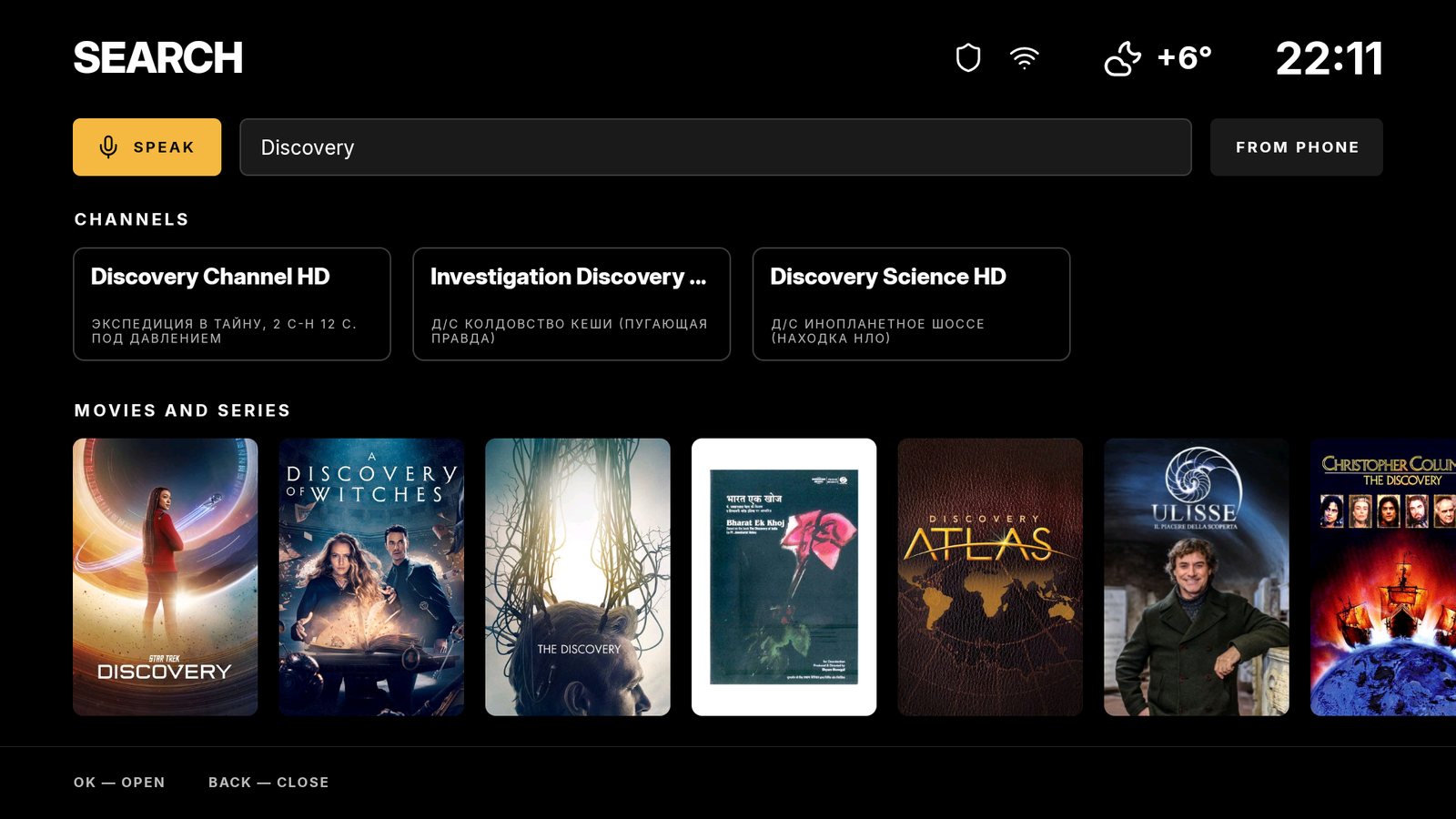
Open search with the magnifier on the home screen, press “Speak” and name a movie, series, channel or show — or type it. Movies and series with posters, your TV channels and what is on them. Long titles are easy to enter from your phone via a QR code.

VoiceMovies & seriesChannelsShowsFrom phone
SolaTV search: movies and series with posters, TV channels and shows
TV

TV from your own playlist

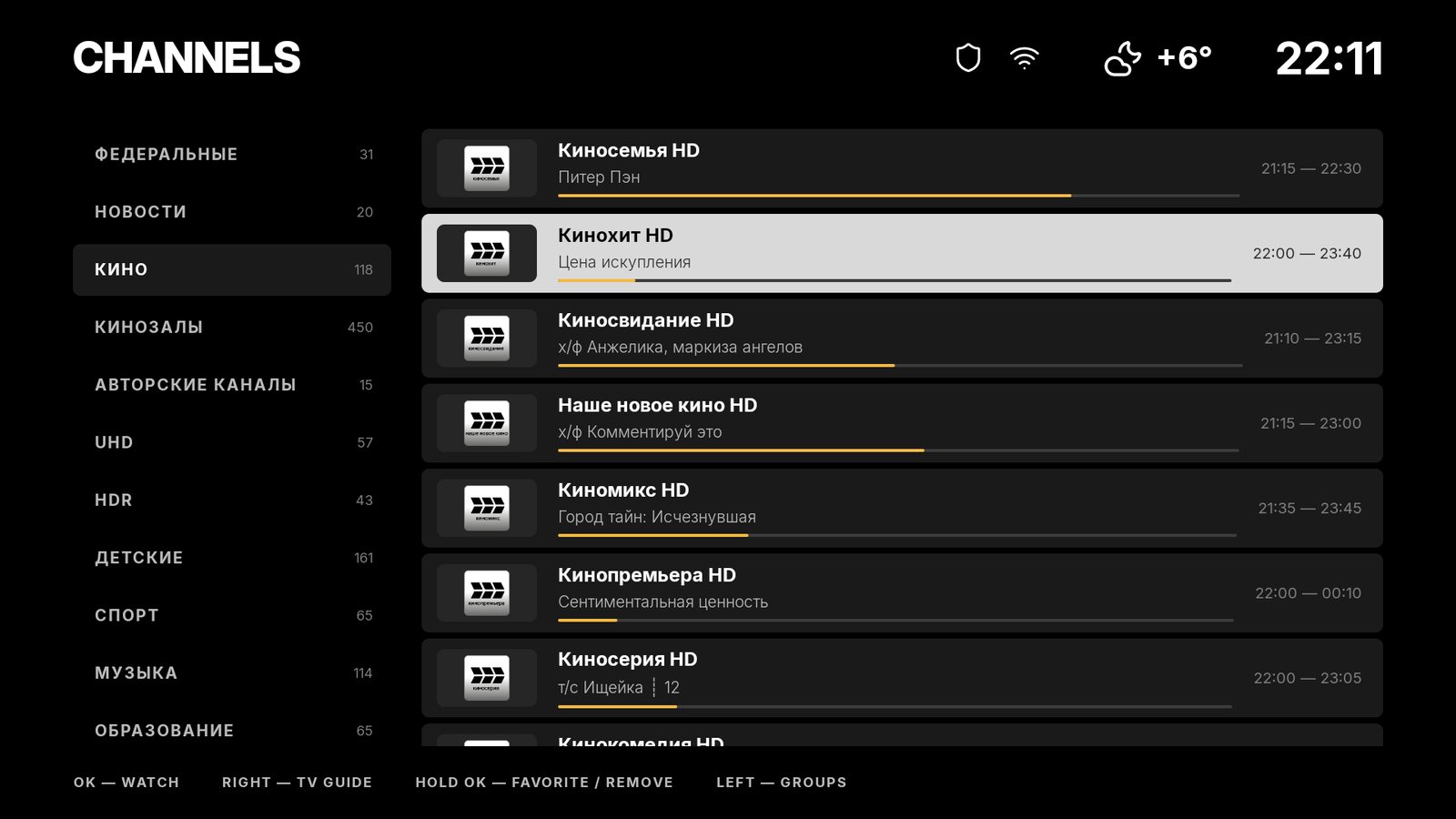
Groups and channels, what is on now and how much is left, the TV guide, catch-up for up to 7 days, pause and rewind. Turning on the TV can open the last channel right away.

IPTV M3UTV guideCatch-upRewind
SolaTV channel list with groups and current shows
“Apps” mode

Just apps — even lighter

Only need apps and TV? One switch hides the collections and posters, and your apps line up in a large grid. SolaTV then doesn't download any images at all.

No postersGridLess memory
“Apps” mode: app tiles only
Blocked sites

Posters work even where they're blocked

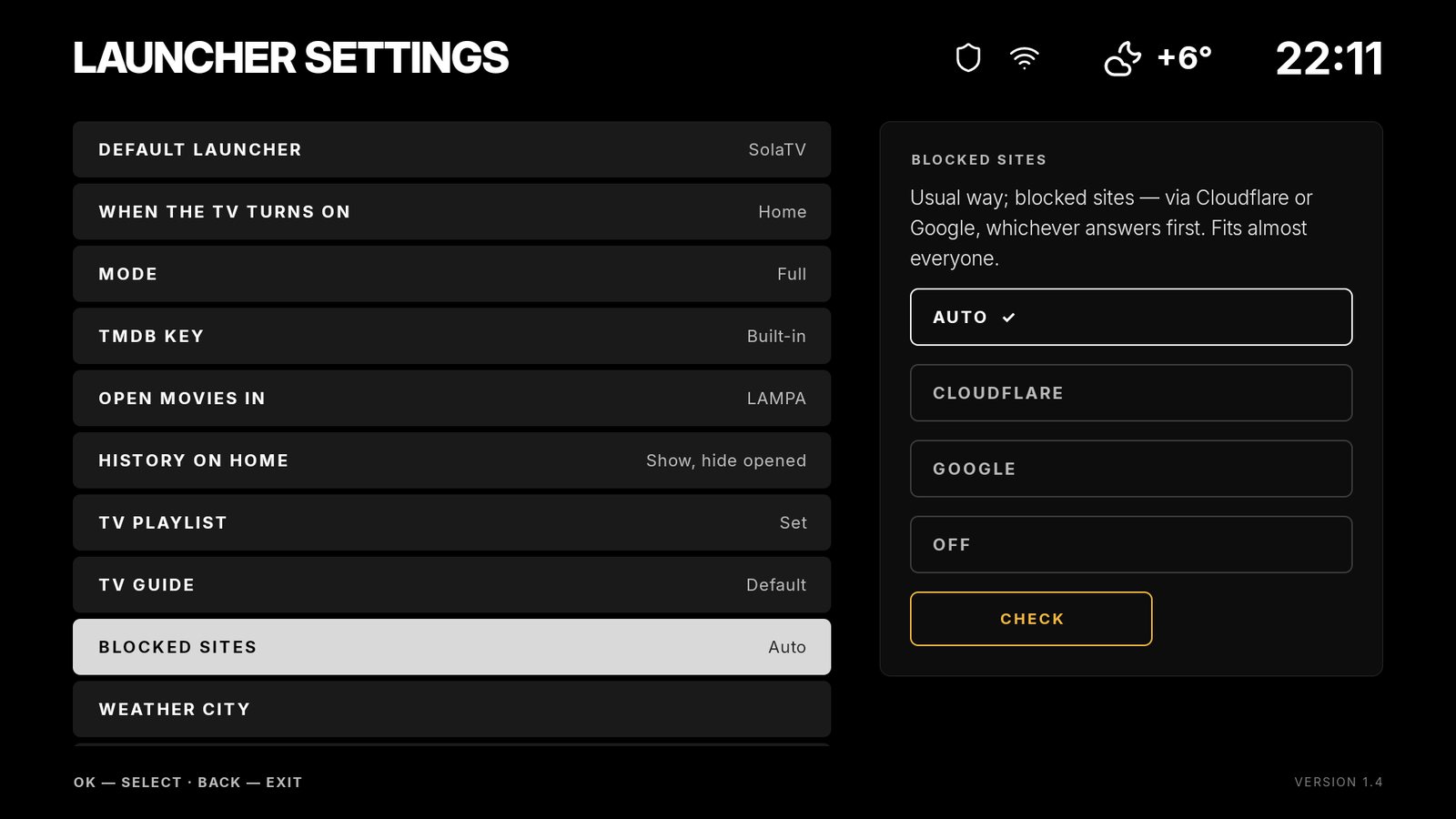
Built-in DNS bypass — only for SolaTV's own requests: if your provider hides a site's address, SolaTV asks Cloudflare or Google, and it works around “freezing” connections by itself. The “Check” button shows what opens and how.

AutoCloudflareGoogleCheck
SolaTV settings, the “Blocked sites” item
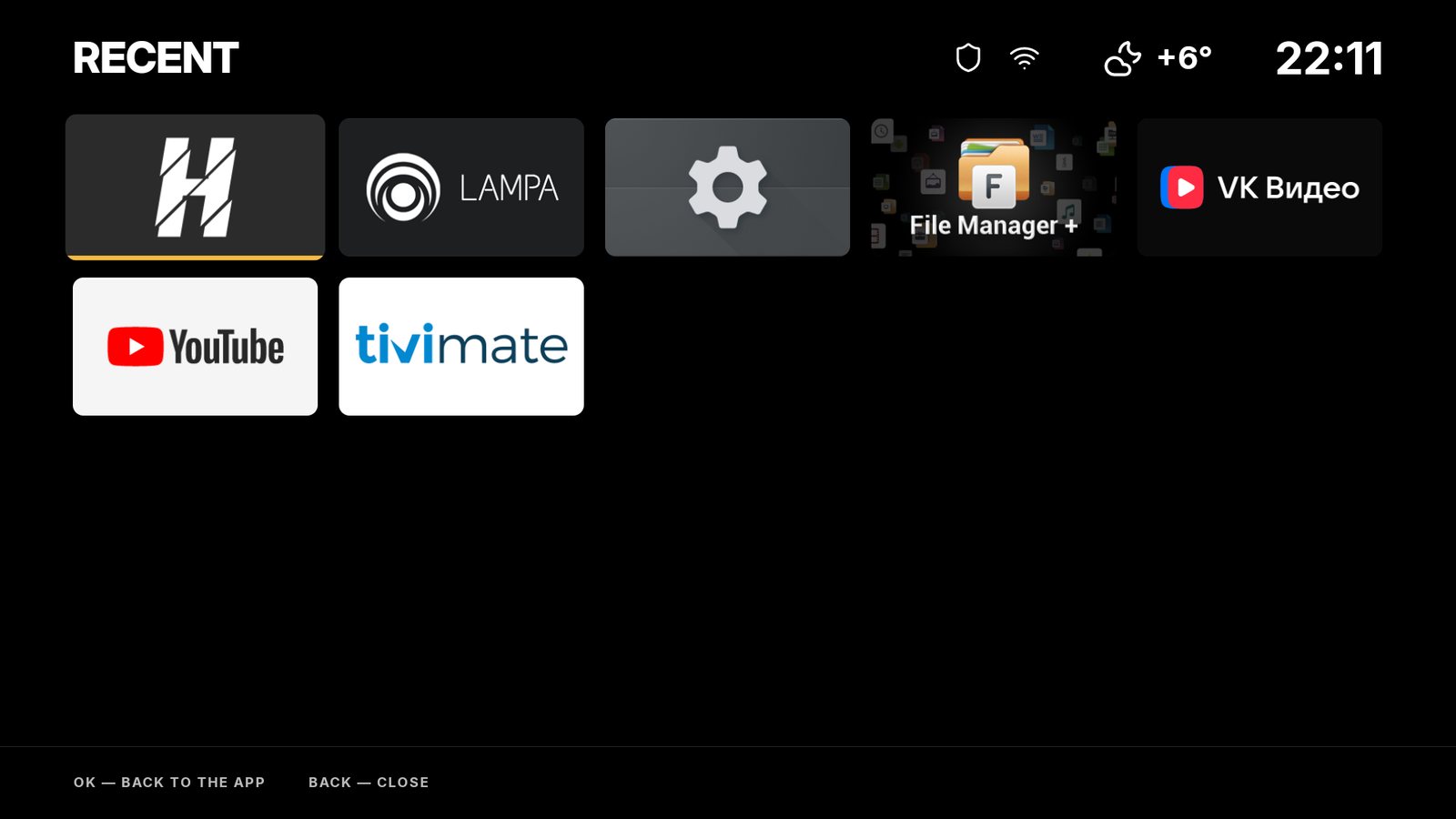
Recent

Press Home twice — and you're back

Pressing Home twice shows the apps you opened recently. One OK — and you're back where you left off.

Double HomeUp to 10 apps
The “Recent” screen: recently opened apps
Язык

English and Russian

Labels, collections and movie descriptions — in the chosen language. Switch it in the settings in a second.

EnglishРусский
SolaTV home screen in Russian
Features

Little things that matter

Default launcher in one step

SolaTV makes itself the home screen: the Home button and power-on lead here. On Google TV — without disabling system apps. Changed your mind — “Restore”.

Type on your phone

A long playlist address or a title — not with the remote: point your phone's camera at the QR code on screen and type on the phone. Works in your home network, no internet or sign-up.

Search — ours or Google

The magnifier on the home screen opens SolaTV search. Prefer Google search — switch it in the settings, or turn search off completely. The microphone button on the remote still opens Google voice search.

HDMI inputs

An icon in the status bar opens all TV inputs: set-top box, game console, receiver. Device names come from HDMI-CEC.

What opens at power-on

Home, the channel list, the last channel or a specific HDMI input — whatever suits you.

Collections without repeats

The best movies, series and cartoons, well-rated genres. Things you've opened can be hidden — something new takes their place.

Movies — where you like

OK on a poster opens the movie in Lampa, NUM or any other installed app — wherever you watch.

VPN icon

The shield at the top opens your VPN app and shows by color whether the VPN is on.

Weather and time

Time and weather in the status bar. The city is detected roughly by itself; pick it in the settings to be precise. Don't need the weather — turn it off.

Your color

Sun, Sky, Mint, Red — or “From poster”: the home screen takes the color of the selected movie.

Made for the remote

Long OK opens the app menu: add to home, app info, uninstall. Everything is done with the remote, no computer needed.

One file for all

One APK of about 4 MB — for any processor, Android 8.0 and newer. No Google Play or sign-up; updates install over the old version.

Privacy

No counters. Only what it needs to work.

SolaTV has no ads or analytics: it sends nothing about you or what you watch. It only connects here, to your playlist and to solatv.ru — to check for a new version. This site has no third-party counters or cookies either.

TMDBposters, descriptions, collections and movie search. Not used in “Apps” mode.
Open-Meteoweather; the city — roughly by your internet address (ipwho.is, GeoJS) unless you picked it. Weather can be turned off.
Cloudflare and Google DNSonly to find the address of a blocked site (“Blocked sites” setting); can be turned off.
Install

Three steps and you're done

No root, computer or cables: everything is done with the remote on the TV itself.

Download and install

Download the APK to your box — with a browser, or from a USB stick with a file manager — and install it. Android will ask you to allow installs from this source. More on installing APKs.

Make it the default

In SolaTV settings — “Default launcher” → “Make default”. Turn on “USB debugging” once and press “Allow” — hints are on screen.

Enjoy

The Home button and power-on lead to SolaTV. Add your apps to the home screen and a playlist for TV. Changed your mind — “Restore”.

SolaTV 1.8 · October 26, 2026 · 3.9 MB · Android 8.0 and newer What's new · all versions there too SHA-256: c83901f398aab6e3bb2dd09f10aa9a1a14d9620df9300e299648157fb80ef304 · VirusTotal report

Download APK
FAQ

The short version

Is it really free?

Yes, completely: no subscriptions, paid features or ads. SolaTV is made as a hobby and a good deed.

Do I need root or a computer?

No. To become the home screen, SolaTV uses the device's own built-in debugging: you turn it on once in the settings and press “Allow”. No computer needed.

Which devices does it work on?

Smart TVs, TV boxes and sticks with Android TV and Google TV, Android 8.0 and newer, any processor. Tested on Xiaomi — a box and a Xiaomi TV Stick 4K with Google TV, a TV with Android TV — and on Android TV 8.

Why does SolaTV use accessibility?

Only on Google TV and only after “Make default”. Disabling Google's system apps there is risky, so SolaTV turns on its own service instead: it catches the Home button and opens SolaTV. The service reads nothing on screen and sends nothing anywhere; “Restore” turns it off.

Can I go back to the stock launcher?

Yes. In SolaTV settings — “Restore”: everything SolaTV turned on or off goes back, and the stock launcher becomes the home screen again.

Does SolaTV include TV channels?

No, SolaTV is a player. Channels come from your IPTV playlist (M3U), which you get from your provider and enter in the settings. Nothing built in and nothing paid.

Where do I watch the movies from the posters?

In the app you choose: Lampa and NUM open the movie page right away, other apps — a search by title. SolaTV itself doesn't show or store movies.

What does “no analytics” mean?

SolaTV has no counters, ad or analytics libraries. It connects only to the services it gets data from — the list is in the “Privacy” section.

I'd like to thank the developer. How?

The best thanks is to share this site or tell your friends about SolaTV. And if you really want to — you can buy the developer a glass of red wine with crypto.

Android TV and Google TV guides: how to install an app from an APK, change the launcher and set up IPTV with a TV guide.

All guides